After my great experience with Tidewave and Copilot that I shared in the previous post, I took advantage of a few days off this month to dive a bit deeper into my experiments. This time, the goal was to test two opposite extremes when it comes to coding with AI assistance: Claude Code and a local model with OpenCode. The first one has a high cost and is considered by many to be the state of the art in AI for programming. Local models, on the other hand, mean freedom, privacy, and lower costs.
Claude Code Pro
The cheapest Claude subscription is Pro. I paid $20 for a month of access and started testing. I downloaded the desktop version, the terminal version, and also used integrations with Zed and Tidewave. The terminal experience was fun and smooth. I spent the first few days creating random projects, and the limits felt very reasonable. The performance of Opus 4.6 is impressive for someone used to only free or entry-level models. This first experience was, at the very least, exciting.
I showed the results to some friends and really thought that for $20/month, Claude delivered a lot, but that perception lasted only a week. The limits per session (which last about 5 hours) and weekly limits were aggressively reduced, which made me hit the limits quickly. This reduction came without warning and affected even those who had already subscribed, like me. My joy was short-lived, very short-lived. Now it feels like $20 a month is not worth it.
Positive points from testing Claude:
- The models are really good. Opus and Sonnet are among the best I've used.
- The terminal experience is genuinely great.
- The prices were fair BEFORE the limits were cut.
- Skills worked very well.
- The skill creator helped me create very useful skills.
Negative points:
- The desktop application is a pile of garbage.
- The mobile app is even worse.
- The limits were cut even for those who had just subscribed. Zero respect for subscribers.
- The current limits make the Pro subscription just a demo subscription. Not worth it.
The RTX 4090 that accidentally became useful
I bought my RTX 4090 in October 2023. It was always a teenage dream to have a top-of-the-line GPU, but I never had the financial means when I was younger. Back then, it was just for gaming. Local AI models were still pretty primitive, ran slowly, and the quality was far from what we see today. No one bought a top-tier graphics card thinking about running LLMs. Now, in 2026, the landscape has changed, and this graphics card is considered one of the best consumer-grade pieces of hardware for running local models. A happy coincidence.
LM Studio + Qwen3.6 + OpenCode
I went on a trip for a few days to enjoy life away from the computer. During the trip, I read about the new Qwen model and how its results (running locally) impressed a lot of people. The model is Qwen3.6-35b-a3b, and the benchmarks were in the range of much higher-quality models. Variants of this model can run entirely on my GPU at a rate close to 100 tokens per second. Fantastic!
When I got back, I didn't think twice. I installed LM Studio, downloaded the model, and started testing.
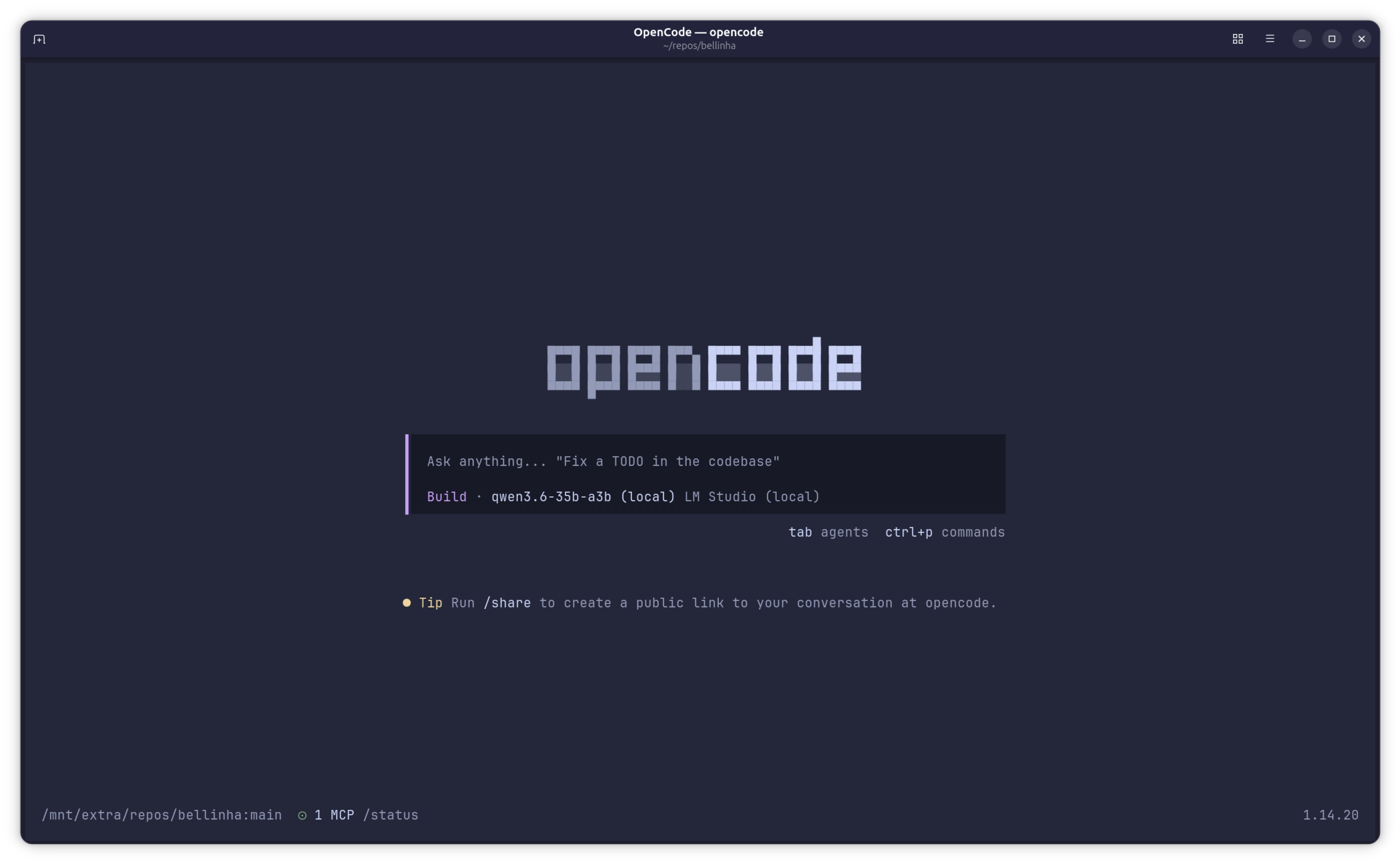
LM Studio is basically a local server that runs AI models. The interface is simple: you download the model, run the server, and it becomes available at a local URL. OpenCode is the client, an AI agent that connects to the server and executes tasks.
The setup was simple. I installed LM Studio, searched for the Qwen3.6-35b-a3b model, and downloaded it. I configured OpenCode to point to LM Studio and that was it.
The first time I ran OpenCode with the local Qwen, the experience was... familiar. The flow is basically the same as Claude Code: you give a prompt, the agent works in the terminal, makes changes to files, runs tests, and iterates until the problem is solved. The difference is that everything runs on my machine.
I did some quick tests like implementing small features in an existing project, refactoring a few functions, writing tests. For my type of use, which is pretty basic (AI as an occasional assistant, without multiple agents or complex automations), the result was impressive. The model understood the code context, made the changes correctly without much effort. A mistake here and there, but nothing a manual review couldn't fix. The quality of the generated code was surprisingly good.
The RTX 4090 with 24GB of VRAM handles the model without issues. Responses are fast enough to keep the workflow going (often faster than Claude Code), and the cost per token is very low, basically just electricity. No limits and no anxiety about burning through tokens.
Comparing the two worlds
To be honest, for my use, I can't see big differences between the local Qwen and Claude with Opus. Both understand the context, both do what we ask, both require human review at the end. The difference is definitely not in the quality of the result.
With Claude, you pay for it, but you depend on limits, on the internet, on a company deciding to change the rules in the middle of the month. With a local model, you pay once for the hardware and run whatever you want, with no session limits and the freedom to choose models. Privacy is another obvious advantage.
The downside? You need good hardware. An RTX 4090 isn't cheap and isn't small.
It's worth noting that for other workflows different from mine, for example with multiple agents running autonomously, the result might not be as good.
Conclusion
I canceled my Claude subscription for now. I'll stick with the local model for a while to see how things go. So far, the experience has been solid. The local setup seems to solve what I need.
I'm not going to say that a local model is better. Each has its place. But for those who have adequate hardware and want to avoid arbitrary limits and subscriptions that change every month, it's an alternative worth considering.